
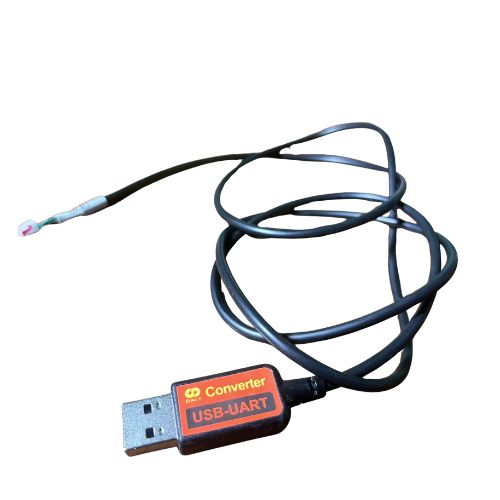
USB TO UART DALY (K TYPE) (8597)
Minimum Quantity: 1 PCS
Product Description
The USB to UART (K-Type) Converter enables users to connect their computer (Windows/Linux) directly to a DALY Smart BMS via a USB port. Using this interface, you can run configuration software to view real-time battery statistics, update firmware, or change system parameters such as cell balancing, cutoff voltages, current limits, temperature protection, and more.
With a compact form factor, pre-terminated K-type connector, and plug-and-play operation, this tool simplifies BMS setup and monitoring.
Key Features
-
USB to UART Serial Conversion Converts standard USB input from your PC into UART serial data for direct BMS communication.
-
DALY K-Type Compatible Interface Features a K-type terminal pre-configured to plug into compatible DALY BMS units (2-pin/3-pin).
-
Plug-and-Play Operation Most systems auto-install drivers (based on FTDI, CH340, or CP2102 chipsets). Easy to set up on Windows, Linux, and macOS.
-
Reliable Communication Stable UART serial interface ensures accurate data transfer and real-time monitoring without packet loss.
-
Durable & Flexible Build High-quality cable shielding and robust connector design for long-term, field-ready performance.
Technical Specifications
| Specification | Details |
|---|---|
| Interface Type | USB Type-A to UART Serial |
| Connector | K-Type terminal for DALY BMS |
| Chipset | FTDI / CH340 / CP2102 (varies by batch) |
| Cable Length | Approx. 1 meter |
| Voltage Support | 3.3V-5V TTL Logic (auto-sensed) |
| OS Compatibility | Windows XP/7/8/10/11, macOS, Linux |
| Application | DALY BMS configuration, firmware flashing, monitoring |
Applications
- DALY Smart BMS (Li-ion, LiFePO4, LTO)
- Battery pack configuration and tuning
- Real-time diagnostics and error reading
- EV battery maintenance and testing
- Solar power systems and ESS configuration
- Firmware updates and system recalibration
How to Use
- Plug the USB end into your PC or laptop.
- Connect the K-type end to your DALY BMS communication port.
- Install drivers if required (auto-detect on Windows 10+).
- Open the DALY BMS software.
- Start monitoring or configuring your BMS in real time.
SEO Tags & Search Keywords
Tags: usb to uart cable, daly bms cable, bms uart interface, usb k-type bms, usb serial for lithium battery, daly smart bms uart adapter
Search Phrases:
- Buy USB to UART cable for DALY BMS
- K-type USB serial converter for lithium battery
- UART configuration cable for smart battery systems
- Daly BMS PC connection cable
- USB to TTL UART cable for battery monitoring
Key Features
- Premium Quality
- Reliable Performance
- Long Service Life
- Certified Standards
Technical Specifications
- Model
- 8597
- Product Name
- USB TO UART DALY (K TYPE) (8597)
- Brand
- Daly
Applications
- Battery Packs
- Energy Storage
- Power Systems
Manufacturer
Daly
Similar Products
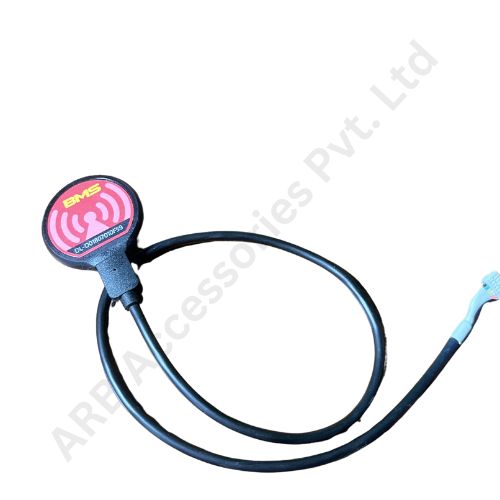
DALY BLUETOOTH K TYPE

DALY BLUETOOTH
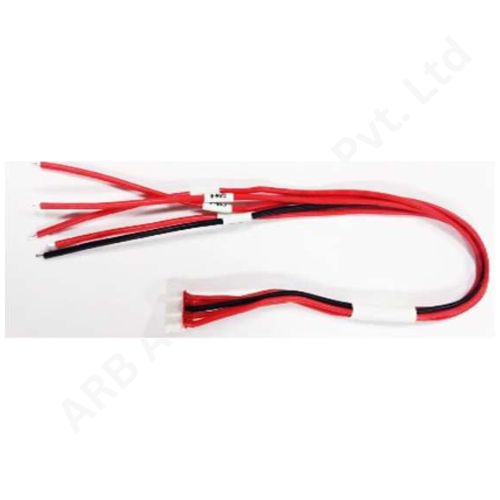
DALY USB CAN CABLE
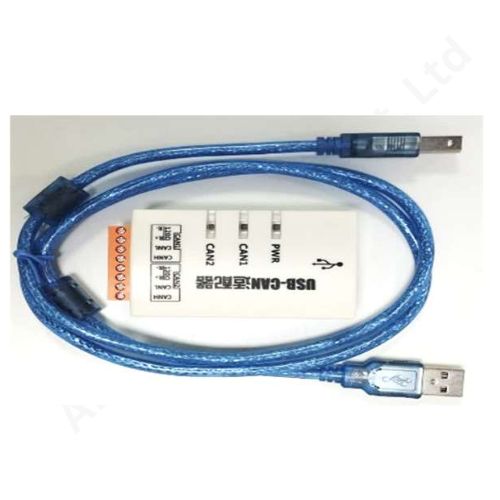
CAN MODULE DALY (43e0)